Usenet is one of the oldest parts of the internet, and it is still going strong. It started in 1980 as a way for universities to share messages, years before the web existed. Today it is a huge, worldwide network of servers that store and share posts, including large files, at very high speeds.
How Usenet works
Think of Usenet as a giant noticeboard copied across thousands of servers around the world. People post messages into topic areas called newsgroups. Once something is posted to one server, it is copied to all the others, so you can fetch it from whichever server you use.
Large files are split into thousands of small pieces called articles, and each one is posted separately. To download a file, your software has to find and fetch every piece and put them back together. That is where NZB files come in.
What you need to use Usenet
- A Usenet provider. This is the company whose servers you connect to. You pay a monthly fee for access. See our guide to choosing a Usenet provider.
- NZB files. A small file that lists every piece of a download. You get these from NZB sites called indexers. See how to add an indexer.
- A Usenet downloader (also called a newsreader or NZB client), such as NZB Grab. It reads the NZB, fetches every piece, checks and repairs the files, and unpacks them.
Why people still use Usenet
- Speed. You download straight from your provider’s servers, so you can often use your full connection speed.
- Privacy. You only connect to your provider, usually over an encrypted SSL connection. You never connect to other users.
- Nothing to upload. Unlike peer-to-peer networks, you don’t share anything back.
- Retention. Big providers keep posts for many years, so older posts are still there to download.
Is Usenet legal?
Yes. Usenet is a long-established, legal technology used for discussions, open-source software, public data and much more. As with any part of the internet, you are responsible for what you download, so only download things you have the right to.
The easy way to start
Get a provider, install a downloader, then open your first NZB. With NZB Grab you add your provider’s details once, and from then on every download is repaired and unpacked for you. Our setup guide takes about three minutes.
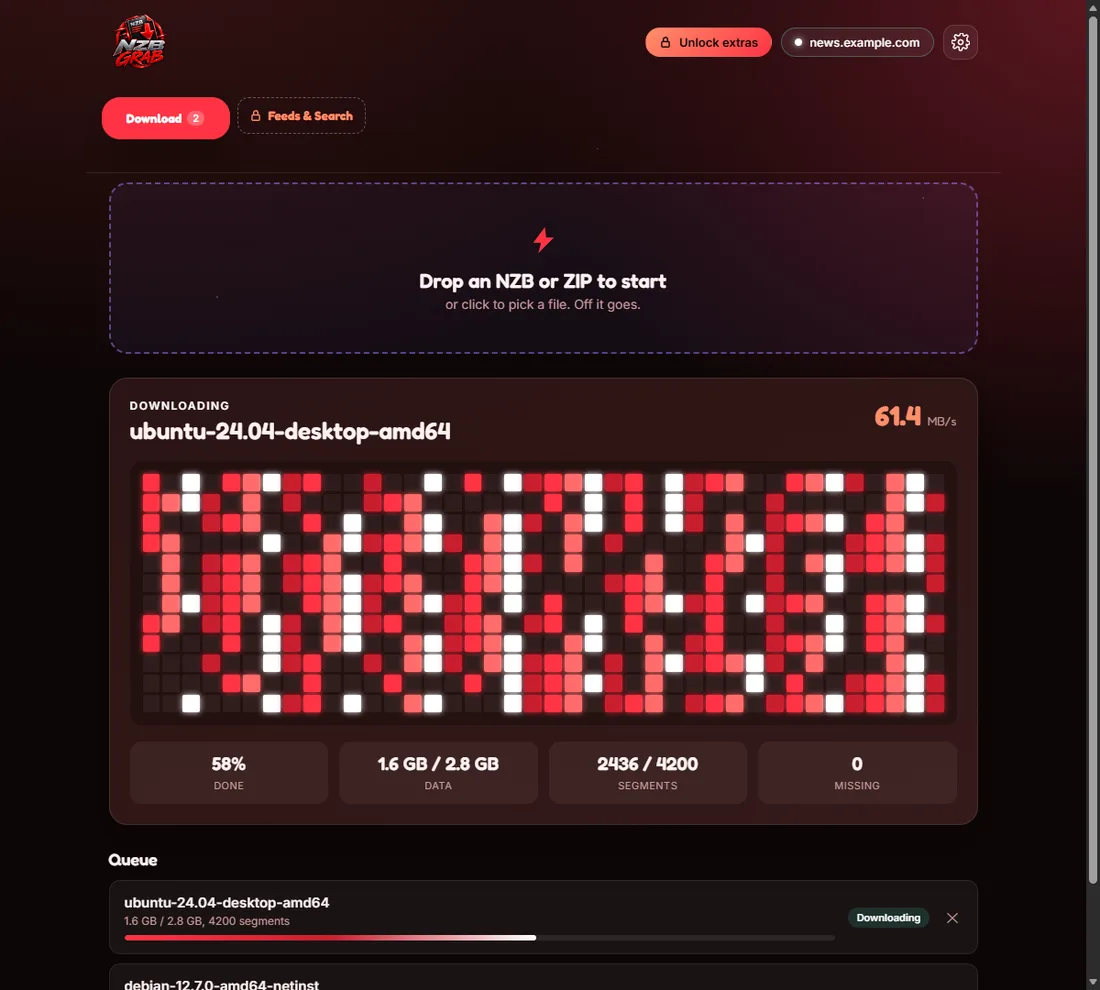
Try NZB Grab free
Drop in an NZB and NZB Grab downloads, repairs and unpacks it for you. PAR2 and unrar are built in, so there is nothing else to install. Free for Windows 11 and 10.