📦
Drop and go
Drag an NZB or ZIP straight onto the app, or grab it from a feed. It joins the queue and starts right away.
Drop in an NZB, watch it fly down, and let NZB Grab repair and unpack it for you. No maze of settings, no bolt-on tools. Just a bright, simple app that does the hard part on its own.
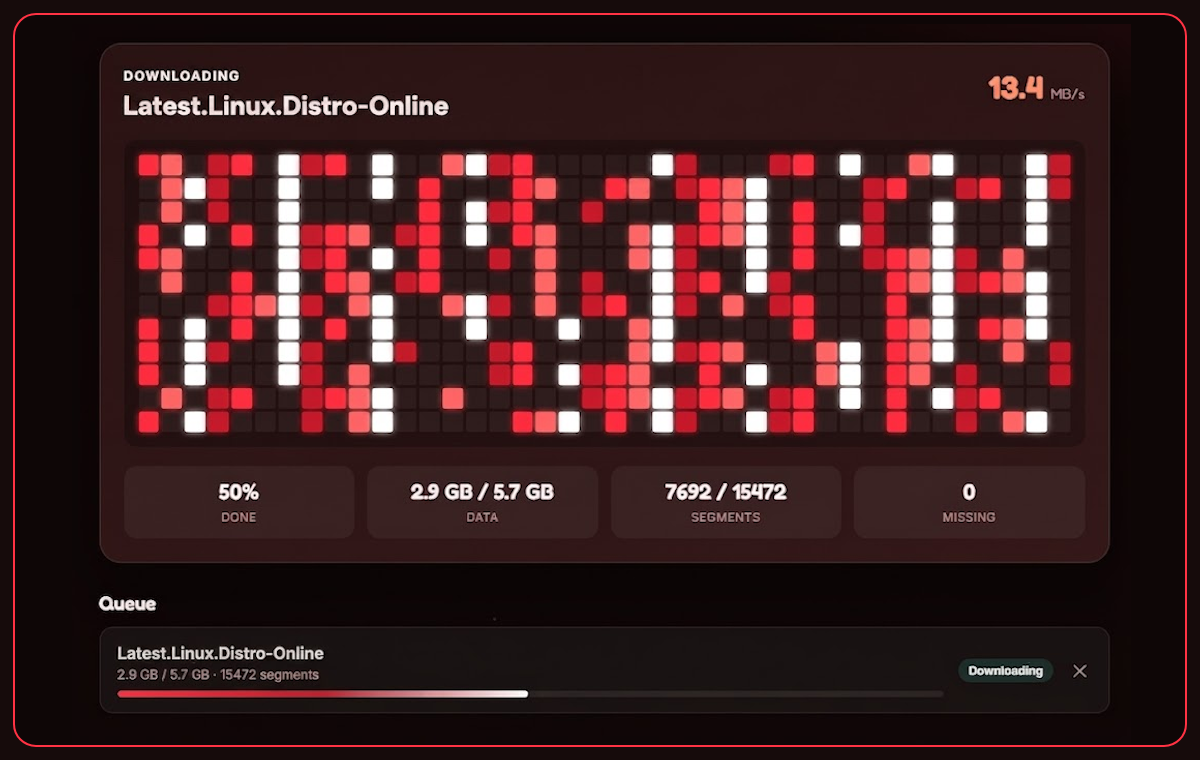
Not a trial. Not crippled. The free app grabs any NZB or ZIP, downloads it fast over your own Usenet account, repairs it and unpacks it. For most people, that is the whole job done.
The fiddly Usenet bits, handled for you, with a clear view of what is happening.
Drag an NZB or ZIP straight onto the app, or grab it from a feed. It joins the queue and starts right away.
Missing or damaged parts are checked and repaired with PAR2 automatically, so more of your downloads simply finish.
Rar, 7z and zip are unpacked when the download is done, then the finished folder is one click away.
Many connections at once for full speed, with a smooth, honest speed readout that does not jump about.
A colourful, friendly window with themes to suit you. Built for people, not for a manual.
It uses your own Usenet provider. Nothing private ever leaves your machine.
Real, tidy and easy on the eye.
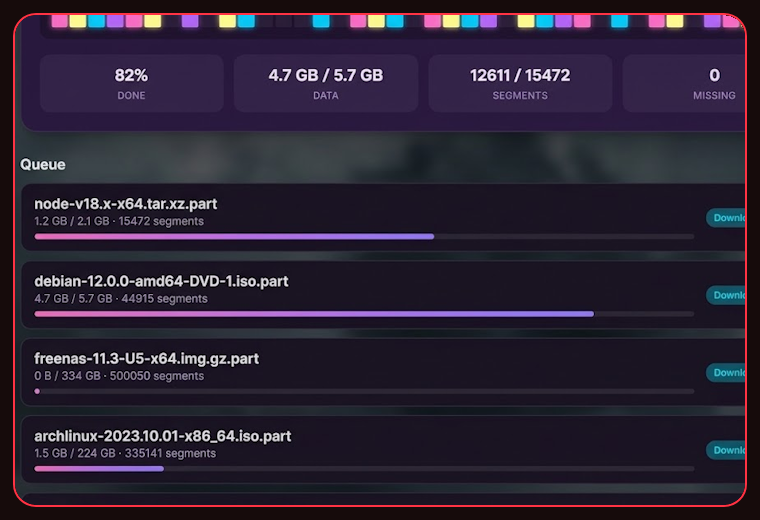
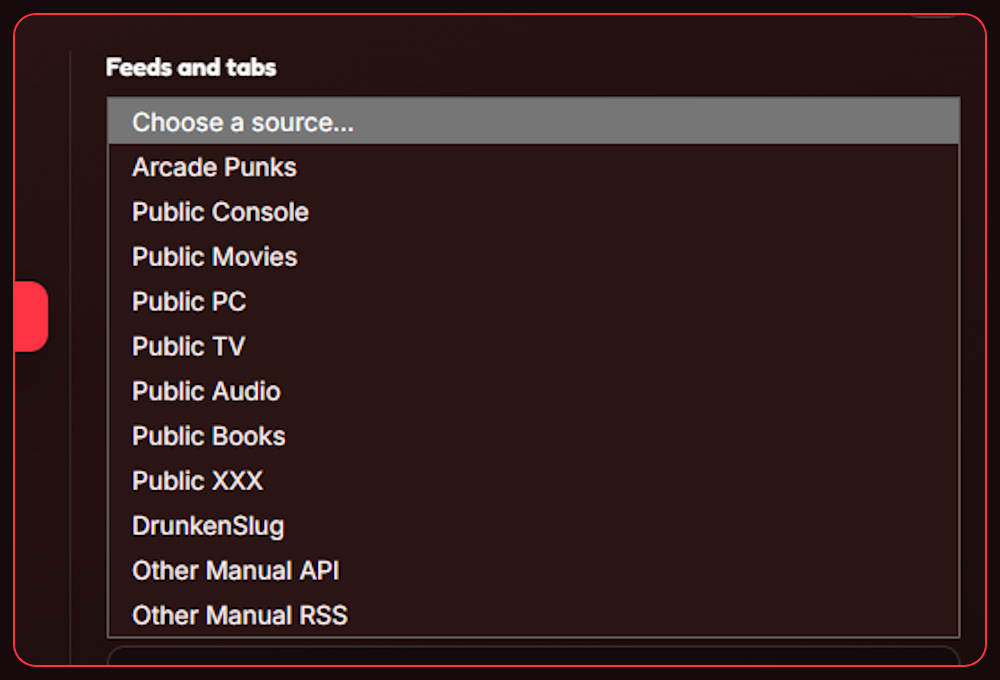
Turn NZB Grab into a full discovery machine. Browse public NZB feeds and feeds from the top NZB sites, with more added all the time, then plug in your own indexer and RSS sites and search and grab from inside the app. Point it at a folder and it offers to grab new files the moment they land, or right-click any file and send it straight in.
See the plans →NZB Grab is the app that does the clever bits, but it needs somewhere to download from. That is Usenet, and to reach it you need an account with a Usenet provider, a bit like needing broadband before a web browser is any use.
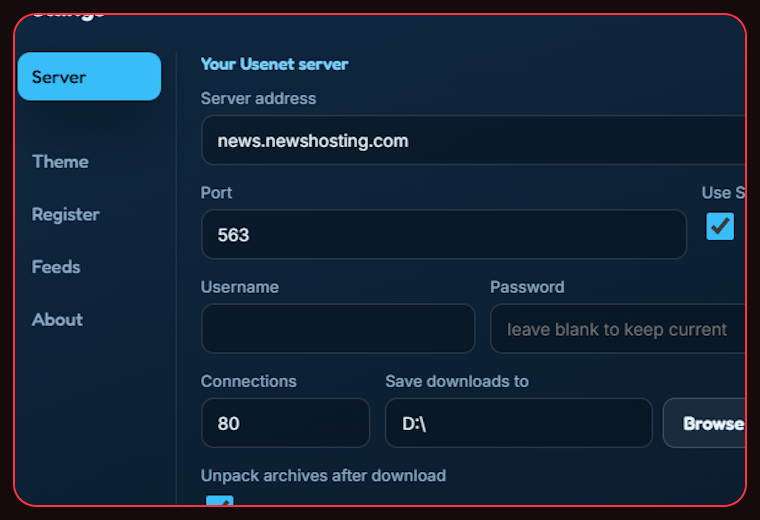
You pay the provider a small monthly or yearly fee, pop those login details into NZB Grab once, and you are set. If you do not have a provider yet, the one on the right is a great place to start.
Get a Usenet account →
Everyone gets a first class downloader. Licensed adds the finding, searching and hands-off grabbing.
Install it, add your Usenet server, drop in an NZB. That is it. Upgrade to Licensed whenever you fancy the feeds and the auto-grabbing.