
Most Usenet downloads come with a set of .par2 files. They are the reason a download with a few missing pieces can still finish perfectly. Here is how they work.
What are PAR2 files?
PAR2 stands for Parity Archive, version 2. When someone posts files to Usenet, they also create PAR2 files that hold recovery blocks, worked out from the original data with some clever maths (Reed-Solomon coding). If parts of the download go missing or get damaged, the recovery blocks can rebuild them.
There are usually two kinds:
- A small index file (for example
name.par2) that holds checksums for every block. It is used to verify the download. - Recovery volumes (for example
name.vol03+04.par2) that hold the recovery blocks. They are used to repair it.
How repair works
Each recovery block can replace any one missing or damaged block. So if a download is missing 40 blocks and you have 50 recovery blocks, it can be repaired in full. If there are fewer recovery blocks than missing blocks, it can’t be fully repaired. That is when a provider with better completion helps.
The smart way: verify first
Recovery volumes can be large, so downloading them every time wastes time and data. NZB Grab works the way experienced Usenet users do:
- Download the data files and the small PAR2 index only.
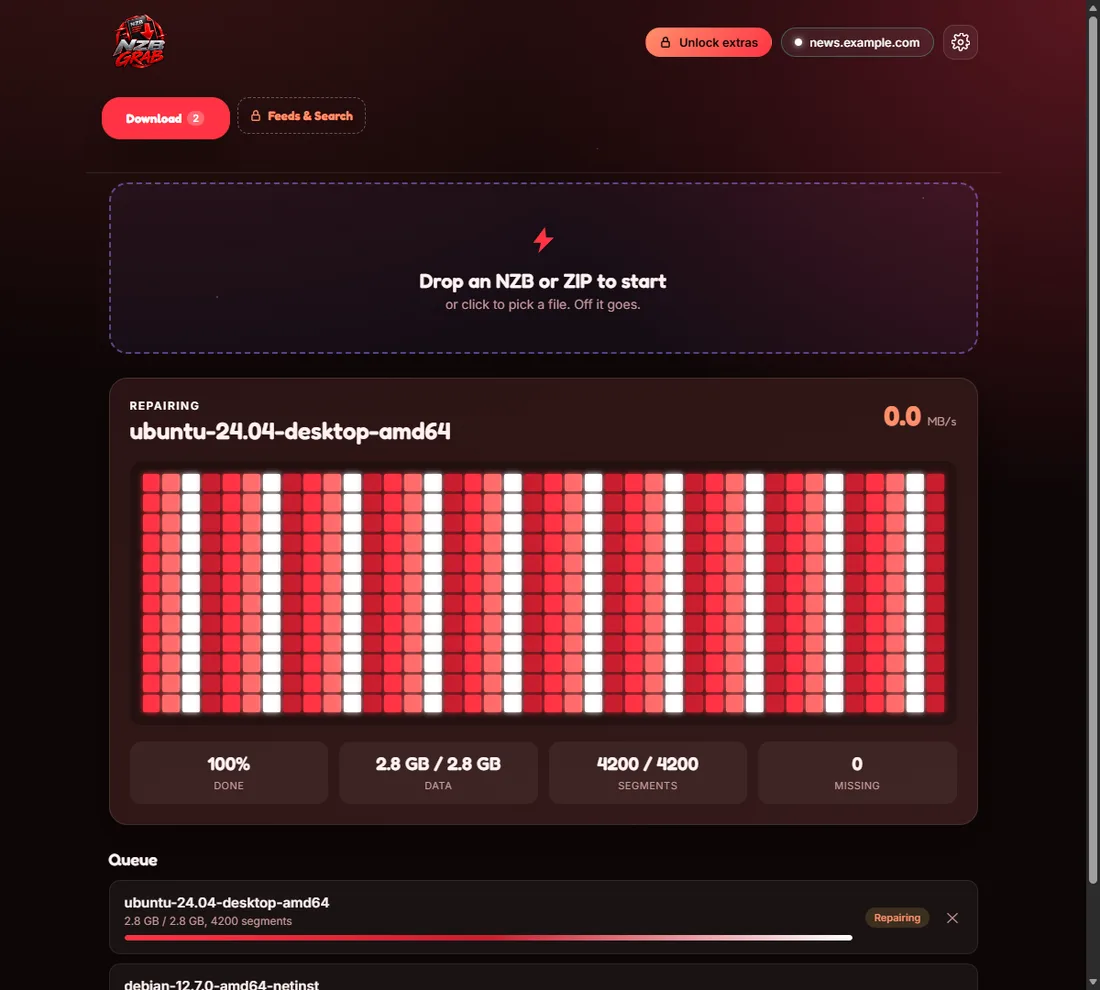
- Verify every block against the index.
- If everything is correct, stop there. No recovery files are needed.
- If blocks are missing or damaged, download the recovery volumes and repair.
- Unpack the archives.
PAR2 is built into NZB Grab, so there is no separate tool to install or set up. Thinking of using your own? See using your own PAR2, UnRAR and 7-Zip first.
What the repair messages mean
- “Repair is possible”: there are enough recovery blocks, and the repair runs automatically.
- “Repair is not possible”: too many pieces are missing. Try again later, or add a backup (block) provider to fill the gaps.
- “All files are correct”: nothing to repair, so it goes straight to unpacking.
Try NZB Grab free
Drop in an NZB and NZB Grab downloads, repairs and unpacks it for you. PAR2 and unrar are built in, so there is nothing else to install. Free for Windows 11 and 10.