NZBGet is a fast, lightweight Usenet downloader written in C++. It is a favourite on NAS boxes and small devices like the Raspberry Pi. The original developer stepped back in 2022, and a community team now maintains it. It is excellent on a server. On a Windows desktop, a native app can be simpler.
| NZB Grab | NZBGet | |
|---|---|---|
| How you use it | A normal Windows app window | A web interface in your browser |
| Best on | Windows 11 and 10 PCs and laptops | NAS devices, servers and low-power boards |
| Setup | Install, enter your provider, done | Edit settings in the web interface |
| PAR2 repair and unpacking | Built in, automatic | Built in, automatic |
| Feeds and search inside the app | Yes (licensed) | RSS feeds yes; search usually through other tools |
| Folder watch | Yes, asks before grabbing (licensed) | Yes (watch folder) |
| Price | Free, with an optional licence for extra features | Free and open source |
Choose NZBGet if…
- you are setting up a download box that runs all the time on a NAS or server
- you want the lowest possible memory and CPU use
- you manage everything remotely through a browser.
Choose NZB Grab if…
- you download on the same Windows PC you use every day
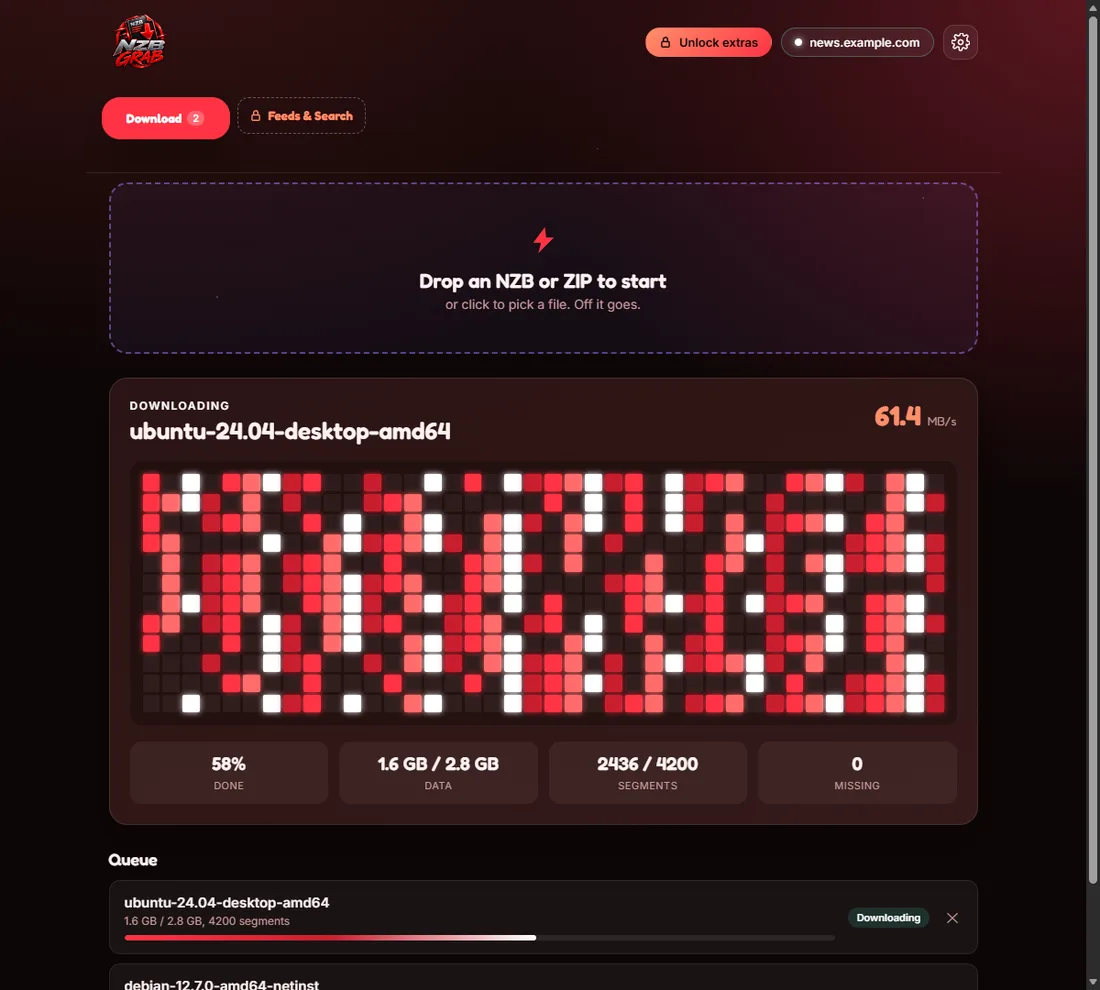
- you want a clear window that shows each download fetching, verifying, repairing and unpacking
- you would rather not touch config pages, or install PAR2 and unrar yourself.
Try NZB Grab free
Drop in an NZB and NZB Grab downloads, repairs and unpacks it for you. PAR2 and unrar are built in, so there is nothing else to install. Free for Windows 11 and 10.